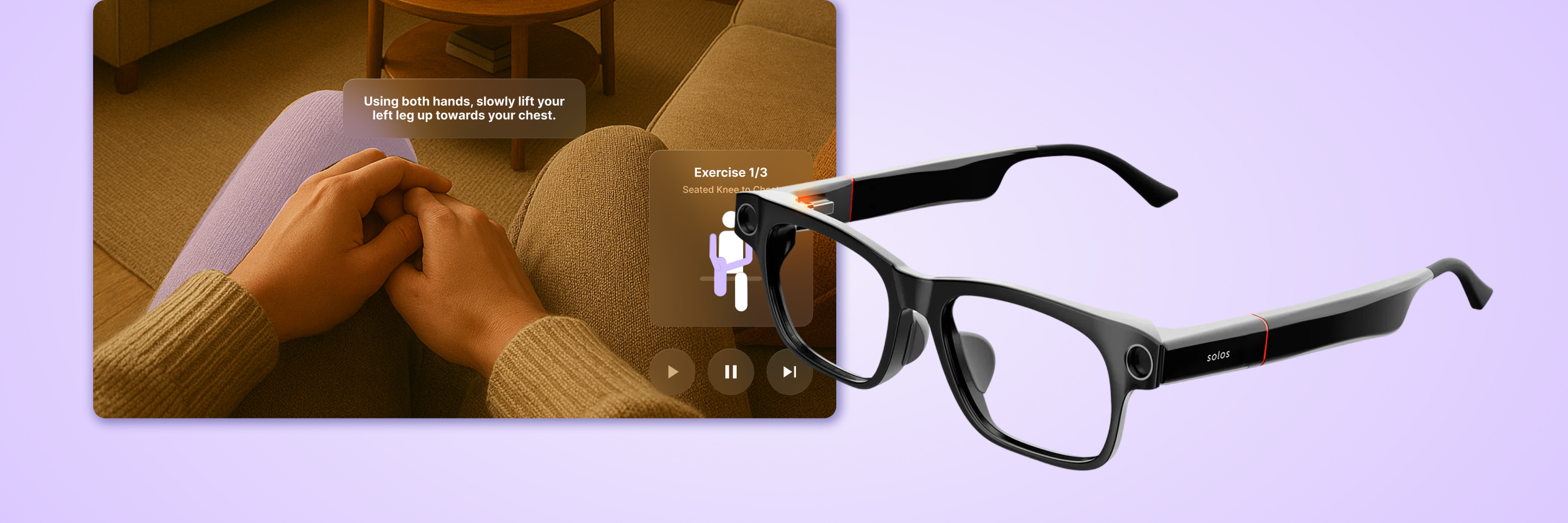
Mnemo Smart Glasses
product design
UX/UI
AI Prompting

Extension of an existing app to assist in the intervention of dementia using AI.

My Responsibilities

User Research, UX/UI Design, Prototyping, AI Prompting

Timeline

2 weeks

TEAM

Adrienne Luong, Anton Kouznetsov, Jasmine Dacanay, Long Le

App TEAM

Dorsa Roohbakhsh, Faith Innes, Justine Santos, Minju

Context

Mnemo is an app that supports users with memory loss.

Focusing on assisting with recall, the existing Mnemo app extends to smart glasses and smart watch interfaces. Our team aimed to identify opportunities to build on the smart glasses component that was handed off to us while also experimenting with AI prompting to test its effectiveness in the design process.

Challenge

How can we better address dementia through automated smart glasses?

User Research

Physical activity aids in both the prevention and intervention of dementia.

Based on our research, we highlighted a specific target audience and aspect of dementia that we could lean into.

prevention

“Physical inactivity is highly associated with the increased risk of developing dementia”

intervention

“Repetitive aerobic exercises three to five times a week was found to have a positive effect”

seniors

"A 6-month exercise program can promote positive proxy-rated outcomes on functional capacity and BPSD in institutionalized older adults with mild to moderate dementia"

Development

With the rise of AI tools in design workflows, is it really viable?

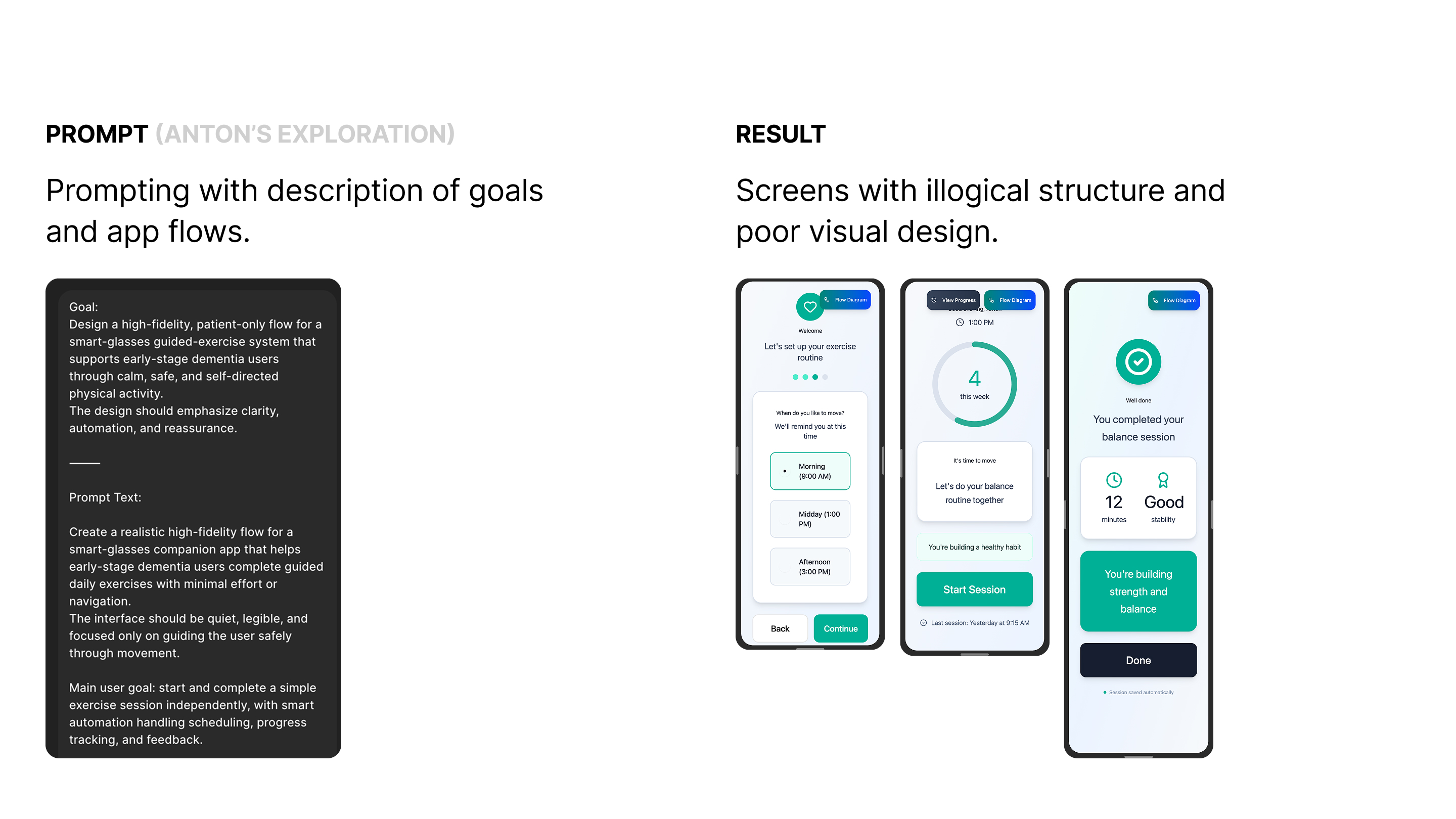
Through prompting Figma Make, I explored how I could best prompt it to generate ideas for the smart glasses interface. While ideating for the guided exercise flow, I went through iterations of different screen designs which showcased the abilities and limitations of the AI.

Experimenting with the limitations of Figma Make.

Approach

First stepping into Figma Make, my team and I took different approaches to prompting the AI, which resulted in greatly varying results.

Insights

Longer and more detailed prompts for specific features did not produce good results.

Figma Make produced better results when 
given an objective or feeling rather than specific technical logic or complex directions.

Approach

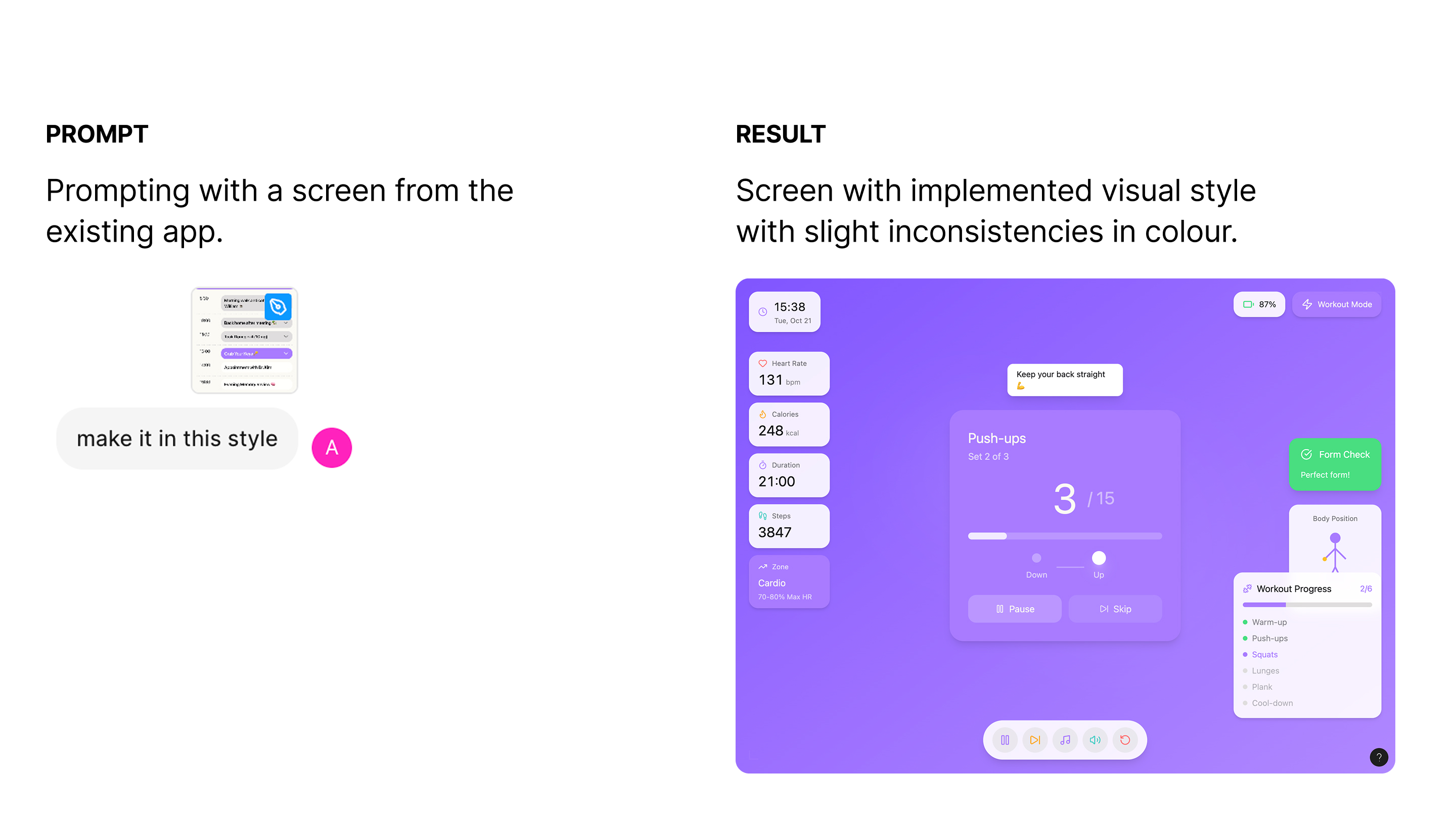
We also wanted to test out Figma Make's visual capabilities through features like uploading reference screens or components.

Insights

Adding a reference screen when prompting made the AI more confident with your vision, but still had UI errors.

Once prompted it tries to stick to the same general design permanently unless prompted otherwise.

Approach

I also tested if the screen could be made responsive. Taking an existing horizontal screen, I applied the mobile view function.

Insights

You need to specify what screen type you are designing for within the initial prompt.

The less changes in a single prompt the higher the chance of success.

Creating designs from Figma Make.

After generating some screens, I looked through the designs to highlight features that had potential. These ultimately informed the design of the guided exercise flow.

We found that our target users relied on pattern recognition.

Feedback from users revealed the need for less text and leaning into seniors' tendency to rely on patterns when using technology.

Final Design

A simple and straightforward exercise experience.

Takeaways

Figma Make can’t produce end screens but can be used as an ideation tool for the flow of a product.

Through experimentation it is evident Figma Make still has a long way to go to before it can make viable end screens. However, prompting it sparked interesting ideas that I believe can help designers with the ideation process.

Let's stay connected :)